Highlights
Highlights are the core of the NBA & NCAAB API. They cover everything from a single dunk through to full game recaps, press conferences and post game interviews.
- Refresh interval
- Once a minute
- Plan
- May be restricted on Basic/Free
- Pagination
- limit and offset
Verified and unverified clips
Clips are aggregated from many different platforms. Depending on the source and what verification it has been through, each one falls into one of two types.
| type | What it means |
|---|---|
VERIFIED |
The clip comes from a reputable source that has been inspected. In most cases the author owns the copyright to the video. Verified highlights are uploaded between 1 and 48 hours after a match finishes. The hosting platform can still impose geo restrictions or block embedding, so check geo restrictions before showing one. |
UNVERIFIED |
The clip may not have been through verification, or is user uploaded. These cover a wider spectrum, including last minute scores, memorable plays and recaps. They are more real time and can appear while the game is still being played. How long they survive depends on the hosting platform. |
Reading a highlight
A highlight's title describes what the video shows. Some also carry a
description that expands on it.
The source field records where the clip was aggregated from, for example
youtube, twitter, reddit or espn.
For some sources a channel is present as well, which is the channel title.
Together these let you narrow down which videos you want to show.
url is where the video is hosted, and embedUrl is the address
for embedding it in your own site or app. Whether the hosting platform allows embedding
is reported by embeddable on
geo restrictions.
Categories
The category field describes what kind of content the clip contains.
Categorisation happens automatically when a highlight is aggregated. A clip that cannot
be placed confidently is labelled other rather than being forced into a
category it does not belong to, so filtering on category in your own code
will not return unrelated content.
| Category | Contains |
|---|---|
match-highlights |
Edited recap of a match, including full game highlights and summaries in any language. |
dunk |
Dunks and alley oops. |
three-pointer |
Three point makes. |
and-one |
Basket plus the foul, including four point plays. |
scoring-play |
Other made baskets such as layups, jumpers, floaters and free throws. |
block |
Blocked shots. |
steal |
Steals and takeaways. |
assist-play |
Assists and playmaking passes. |
crossover-handles |
Crossovers, ankle breakers and dribble moves. |
buzzer-beater-game-winner |
Buzzer beaters and game winning shots. |
big-performance |
Stat line performances such as career highs and double or triple doubles. |
injury |
A player injured on the play, carted or helped off, or exiting the game. |
viral-moment |
Celebrations, mascots, milestones, tributes and other spectacle moments. |
pre-match-content |
Previews, predictions and build up content ahead of a match. |
post-match-content |
Reactions, interviews and analysis after a match. |
press-conference |
Official press conferences and media availability. |
other |
Clips that do not fit any other category. |
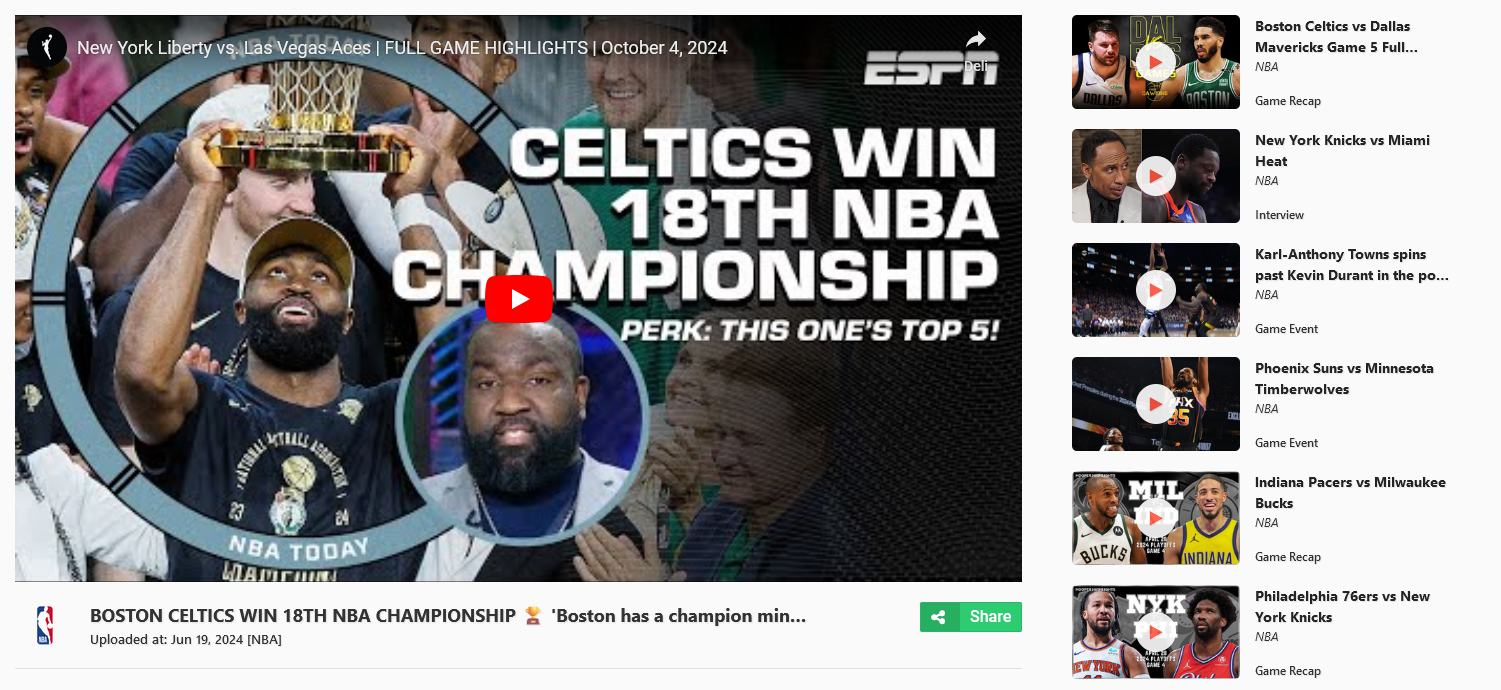
Plan coverage
On the Basic plan, NBA highlights are excluded. A Pro plan or higher removes the restriction and returns highlights from every league this API covers.
Querying
At least one primary query parameter must be specified before you can retrieve data.
timezone, limit and offset are secondary and do
not count on their own.
Combine timezone with date to get highlights relevant to your
own location rather than UTC. Teams can be filtered by id, name, abbreviation or display
name, so homeTeamAbbreviation works without resolving an id first. The
league filter is leagueName.
limit sets how many highlights come back. When the number of matching
highlights exceeds it, request the next page by increasing offset. The
pagination object in every response tells you the
totalCount to page through.
Parameters
| Parameter | Type | Description |
|---|---|---|
leagueNameoptional
|
string |
No description in the spec.e.g. NCAA
|
dateoptional |
string |
Date that follows the YYYY-MM-DD format.e.g. 2024-04-07
|
timezoneoptional |
stringdefault Etc/UTC
|
Valid timezone identifier.e.g. Europe/London
|
seasonoptional |
number |
No description in the spec.e.g. 2024
|
matchIdoptional |
number |
No description in the spec.e.g. 9853
|
homeTeamIdoptional
|
number |
No description in the spec.e.g. 11392
|
awayTeamIdoptional
|
number |
No description in the spec.e.g. 11190
|
homeTeamNameoptional
|
string |
No description in the spec.e.g. Huskies
|
awayTeamNameoptional
|
string |
No description in the spec.e.g. Crimson Tide
|
homeTeamAbbreviationoptional
|
string |
No description in the spec.e.g. CONN
|
awayTeamAbbreviationoptional
|
string |
No description in the spec.e.g. ALA
|
homeTeamDisplayNameoptional
|
string |
No description in the spec.e.g. UConn Huskies
|
awayTeamDisplayNameoptional
|
string |
No description in the spec.e.g. Alabama Crimson Tide
|
limitoptional |
numberdefault 40
|
No description in the spec.e.g. 40
|
offsetoptional |
numberdefault 0
|
No description in the spec.e.g. 0
|
Request
curl --request GET \
  --url 'https://nba.highlightly.net/highlights?leagueName=NCAA&date=2024-04-07' \
  --header 'x-rapidapi-key: YOUR_API_KEY'
const params = new URLSearchParams({
leagueName: 'NCAA',
date: '2024-04-07'
})
const response = await fetch(`https://nba.highlightly.net/highlights?${params}`, {
headers: {
'x-rapidapi-key': process.env.HIGHLIGHTLY_API_KEY
}
})
if (!response.ok) {
throw new Error(`Highlightly responded ${response.status}`)
}
const data = await response.json()import os
import requests
response = requests.get(
'https://nba.highlightly.net/highlights',
params={
'leagueName': 'NCAA',
'date': '2024-04-07',
},
headers={
'x-rapidapi-key': os.environ['HIGHLIGHTLY_API_KEY'],
},
timeout=10,
)
response.raise_for_status()
data = response.json()Response
dataNbaHighlightResponse[]required25 fields
idnumberrequired
matchNbaMatchBaseInforequired14 fields
idnumberrequired
leaguestringrequiredNBANCAA
homeTeamNbaTeamInfoResponserequired5 fields
idnumberrequired
displayNamestringrequired
namestringrequired
logostring
abbreviationstringrequired
awayTeamNbaTeamInfoResponserequired5 fields
idnumberrequired
displayNamestringrequired
namestringrequired
logostring
abbreviationstringrequired
typestringrequired
imgUrlstringPreview picture of the highlight.
titlestring
descriptionstring
urlstringrequiredUrl location of the video highlight.
embedUrlstringrequiredUrl of embeddable video highlight.
channelstringChannel title of a given highlight.
sourcestringAggregation source from social media and other equivalent platforms.
categorystringAssumed highlight category
paginationPaginationResponserequired3 fields
totalCountnumberrequiredAvailable number of items, relevant to the provided query.
offsetnumberrequired
limitnumberrequired
planPlanResponserequired2 fields
tierstringrequiredYour current API subscription tier.
messagestringrequiredExplanation message regarding your current tier.
Example response
{
  "data": [
    {
      "id": 1361,
      "match": {
        "id": 9853,
        "league": "NBA",
        "homeTeam": {
          "id": 3,
          "displayName": "Denver Nuggets",
          "name": "Nuggets",
          "logo": "https://highlightly.net/nba/images/teams/3.png",
          "abbreviation": "DEN"
        },
        "awayTeam": {
          "id": 3,
          "displayName": "Denver Nuggets",
          "name": "Nuggets",
          "logo": "https://highlightly.net/nba/images/teams/3.png",
          "abbreviation": "DEN"
        }
      },
      "type": "VERIFIED",
      "imgUrl": "https://example.com/images/preview/1.png",
      "title": "NCAA: Huskies vs Crimson Tide",
      "description": "Following an impressive postseason run that came to an end in a program-first Final Four appearance, Nate Oats expresses his pride in the Tide and says they'll be \"knocking on the door\" next season.",
      "url": "https://example.com/highlight/29g9urg92387",
      "embedUrl": "https://example.com/embed/213123safas132e",
      "channel": "",
      "source": "youtube",
      "category": "match-highlights"
    }
  ],
  "pagination": {
    "totalCount": 490,
    "offset": 20,
    "limit": 100
  },
  "plan": {
    "tier": "BASIC",
    "message": "Some results might be hidden with FREE tier. Check your API coverage for more information: https://rapidapi.com/highlightly-api-highlightly-api-default/api/sport-highlights-api/details"
  }
}
Values are the examples declared in the OpenAPI spec, not a captured live response.
Errors
| Status | Description |
|---|---|
400 |
Bad request descriptive error. |
500 |
Internal server error. |